Follow along with the video below to see how to install our site as a web app on your home screen.
Note: This feature may not be available in some browsers.
The APS Catalog has been deprecated and removed from all Plesk Obsidian versions. Applications already installed from the APS Catalog will continue working. However, Plesk will no longer provide support for APS applications.
Please be aware: with the Plesk Obsidian 18.0.78 release, the support for the ngx_pagespeed.so module will be deprecated and removed from the sw-nginx package.
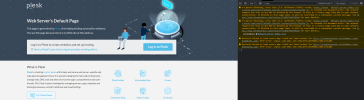
I have notice that tried to clone two times two different wordpess websites but have strange errors, also when im on home page sometimes turns on plesk default index!!!
look the errors :
First of all, don't give any thoughts to the errors in the console on the plesk's default page.
If it is shown, there was something going wrong whilst cloning.
Which errors was shown up in plesk after trying to clone the wp website?
Are the files of wordpress copied into the new domain/subdomain folders?