Facebook
 Twitter
- Server operating system version
- Ubuntu 18.04LTS
- Plesk version and microupdate number
- Plesk Obsidian Web Host Edition Version 18.0.56 Update #4
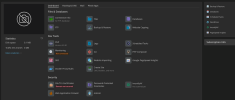
Hello, I'm looking for the Plesk preview button. Does anyone know or have seen it? It used to be located under the image of the website on the left, and the Preview setting under Tools & Settings is currently selected as Default Quick Preview.