
 Facebook
 Twitter
- Server operating system version
- AlmaLinux 8.8 (Sapphire Caracal)
- Plesk version and microupdate number
- Version 18.0.55 Update #2
Hello,
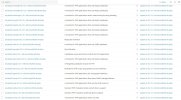
I have lots of updates like....
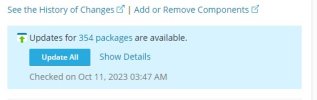
The update packages are 354.
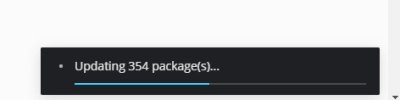
I pressed the UPDATE ALL button and i'm waiting about 45 minutes with the status:
Is there any way to see the upgrade progress via terminal ?
I have lots of updates like....
The update packages are 354.
I pressed the UPDATE ALL button and i'm waiting about 45 minutes with the status:
Is there any way to see the upgrade progress via terminal ?


