Follow along with the video below to see how to install our site as a web app on your home screen.
Note: This feature may not be available in some browsers.
The APS Catalog has been deprecated and removed from all Plesk Obsidian versions. Applications already installed from the APS Catalog will continue working. However, Plesk will no longer provide support for APS applications.
Please be aware: with the Plesk Obsidian 18.0.78 release, the support for the ngx_pagespeed.so module will be deprecated and removed from the sw-nginx package.
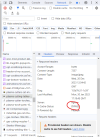
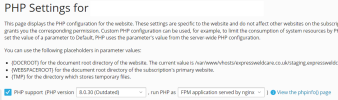
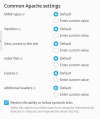
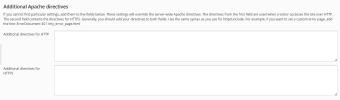
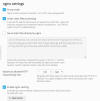
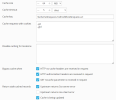
I have enabled nginx caching but it is not working when I test it. Below are my settings. I have read almost every post on here that I can find regarding this problem but nothing seems to work.
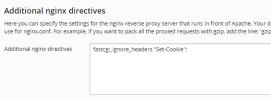
Did you check which cookies your site is setting? A WordPress site, for example, will set a bunch of cookies which all need to be present in "Cache requests with cookies". However, that is not easily done since some cookies have dynamic names.
The Chrome plugin, "EditThisCookie", is useful to see cookie names and remove cookies.