Facebook
 Twitter
Fahad009
New Pleskian
- Server operating system version
- Windows Server 2019 Standard
- Plesk version and microupdate number
- Version 18.0.74 Update #3
Hello everyone,
I’m running Plesk on Windows Server and using Plesk to manage DNS for my domain.
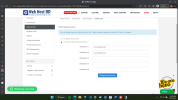
My domain registrar is WebHostBD, and I have configured my own nameserver:
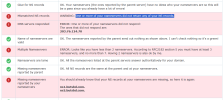
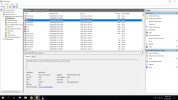
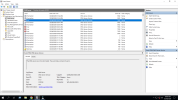
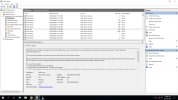
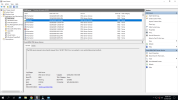
Either timeout or return no response.
My questions:
Thank you in advance.
I’m running Plesk on Windows Server and using Plesk to manage DNS for my domain.
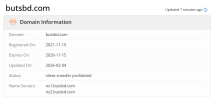
My domain registrar is WebHostBD, and I have configured my own nameserver:
- ns1.mydomain.com → 203.76.124.70 (my server public IP)
Current setup:“One or more of your nameservers did not respond: 203.76.124.70”
- OS: Windows Server 2019 Standard
- Control panel: Plesk Obsidian Web Pro Edition
- Version 18.0.74 Update #3
- DNS is managed by Plesk
- DNS service status: Running
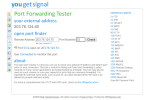
- Port 53 (TCP/UDP): Open in Windows Firewall
- Public IP: 203.76.124.70
- Domain has DNS zone in Plesk with:
- A record: ns1.mydomain.com → 203.76.124.70
- NS record: mydomain.com → ns1.mydomain.com
Code:
nslookup mydomain.com 203.76.124.70My questions:
- Does Plesk on Windows require any additional configuration to make DNS authoritative externally?
- Is there anything special needed for glue/child nameservers with Plesk?
Thank you in advance.