Follow along with the video below to see how to install our site as a web app on your home screen.
Note: This feature may not be available in some browsers.
We value your experience with Plesk during 2025 Plesk strives to perform even better in 2026. To help us improve further, please answer a few questions about your experience with Plesk Obsidian 2025. Please take this short survey: https://survey.webpros.com/
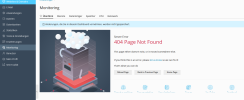
The mentioned article is applicable only in the case of "360 Monitoring"; in the case of "Built-in Monitoring" mode (with Grafana graphs), Safari as any other supported browser should work without additional steps. Based on the screenshot, it is a Built-in Monitoring.
Back to the issue, never heard about an issue like this before.
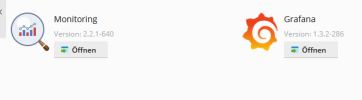
Could you please provide more data about OS, Plesk, Monitoring, and Grafana extensions, Grafana version (as a software)? I also suggest contacting the Plesk Support team to investigate what is wrong.
P.S. I have tried to reproduce the issue but on my server, everything works with Safari as well as Google Chrome. Needs more details.