• Debian 11 is approaching its end-of-life (vendor EOL date - August 31, 2026). Plesk Obsidian 18.0.80 will be the last release to support it.
    If you are running Plesk Obsidian on Debian 11, we recommend you upgrade those servers to Debian 12 using our dist-upgrade tool.
  • We plan to deprecate and remove the support for XML RPC protocol versions earlier than 1.6.9.1 in Plesk Obsidian 18.0.82. We strongly recommend that you update all existing integrations using earlier versions of the XML RPC protocol to comply with the version 1.6.9.1 specification.

Resolved Created mail but can't access it

I accessed from the mail icon next to information icon. In mail settings, only webmail option available was "mail enable webmail" . which i selected. Error was mail address does not exist. page not found. I tried to install roundcube/horde webmail app but could not found. Only app available is squirrelmail. Should I install it?
 
Please check:
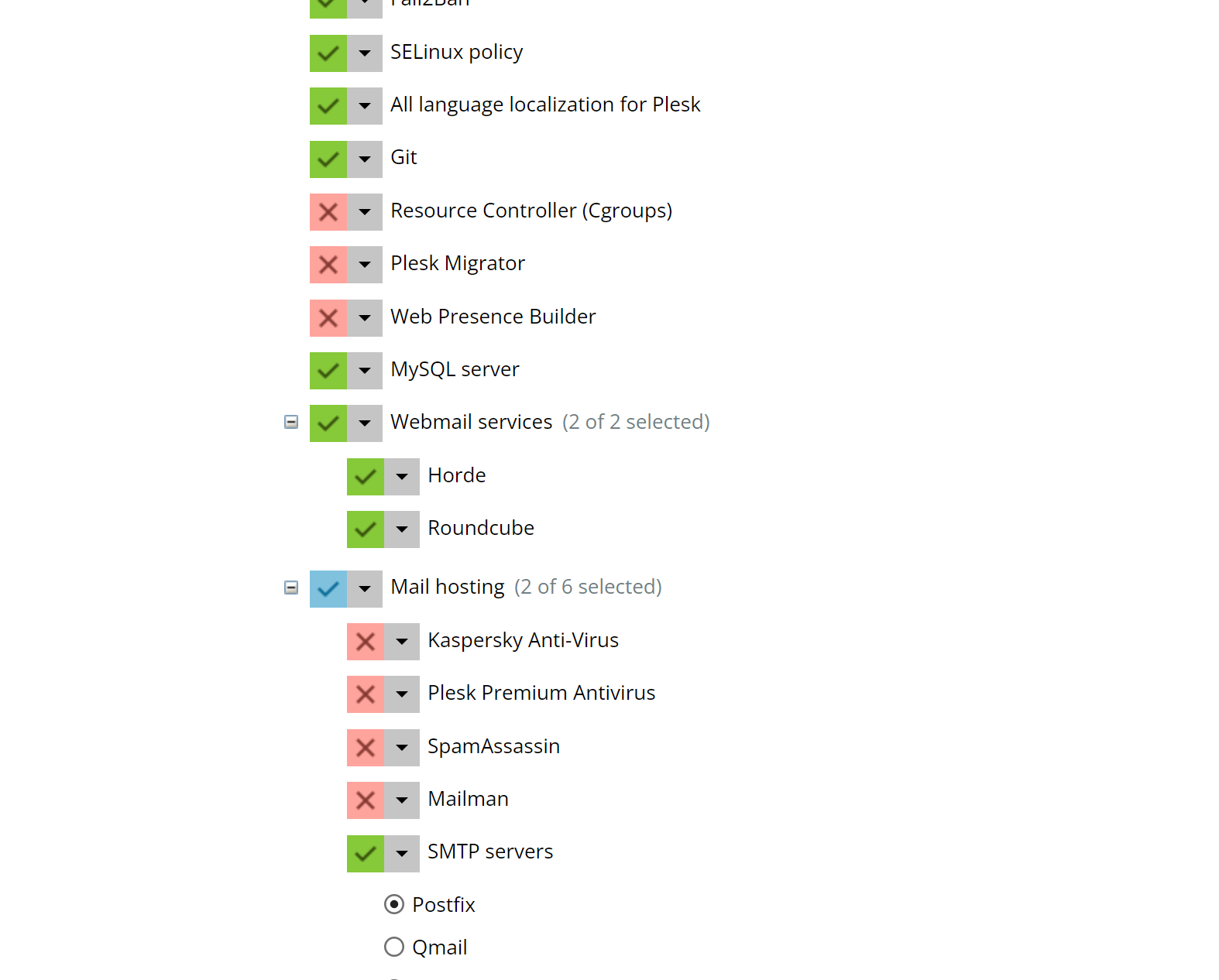
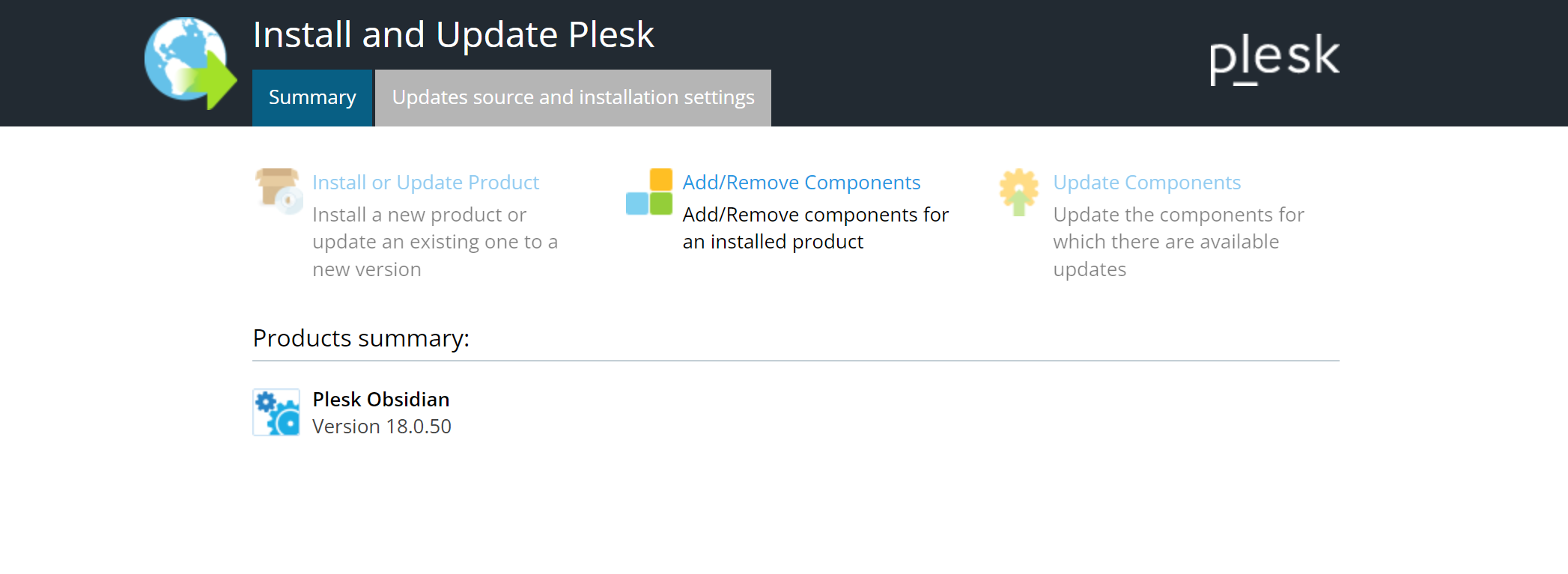
- Have you installed "Webmail services" at all? To check go to "Add or Remove Components" on your admin start page or to "Tools & Settings" > "Plesk" > "Updates". If there are non installed, simply add them using that installer.
- Have you enabled one of the webmail programs on the "Mail Settings" page of your subscription? If not, choose one.
- Does webmail.<domainname>.<tld> resolve to the IP address of your subscription?
 
Hi Peter, thanks for your response. Yes it was, but the issue has been resolved. many thanks!
For those who are having similar issue it is because of DNS misconfiguration. check your DNS settings, ensure that Plesk DNS Settings matches with your domain DNS records.
 
Back
Top