• Inviting everyone who uses WordPress management tools in Plesk
    The Plesk team is conducting a 60-minute research session that includes an interview and a moderated usability test.
    To participate, please use this link .
    Your experience will help shape product decisions and ensure the tools better support real-world use cases.

Resolved Created mail but can't access it

I accessed from the mail icon next to information icon. In mail settings, only webmail option available was "mail enable webmail" . which i selected. Error was mail address does not exist. page not found. I tried to install roundcube/horde webmail app but could not found. Only app available is squirrelmail. Should I install it?
 
Please check:
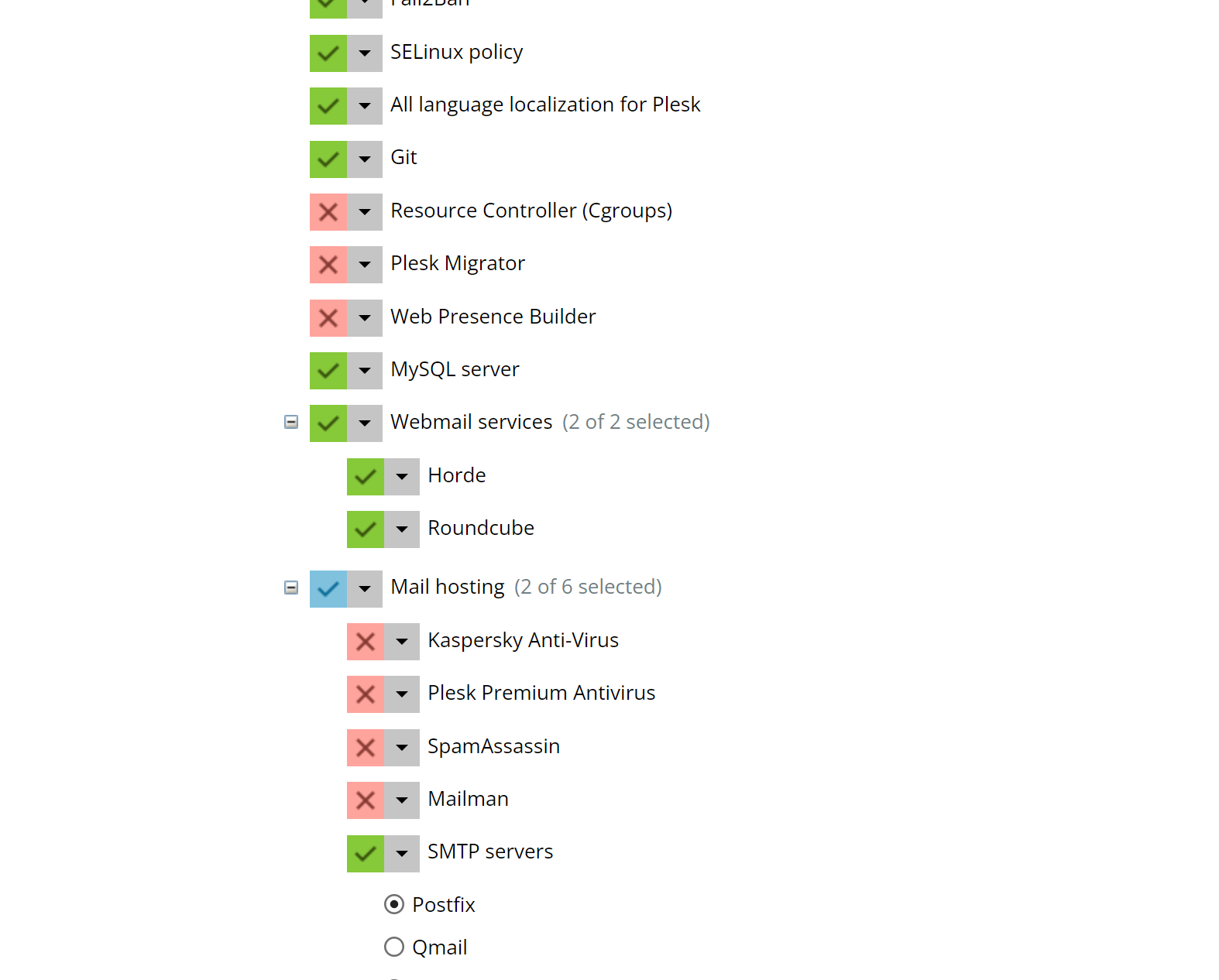
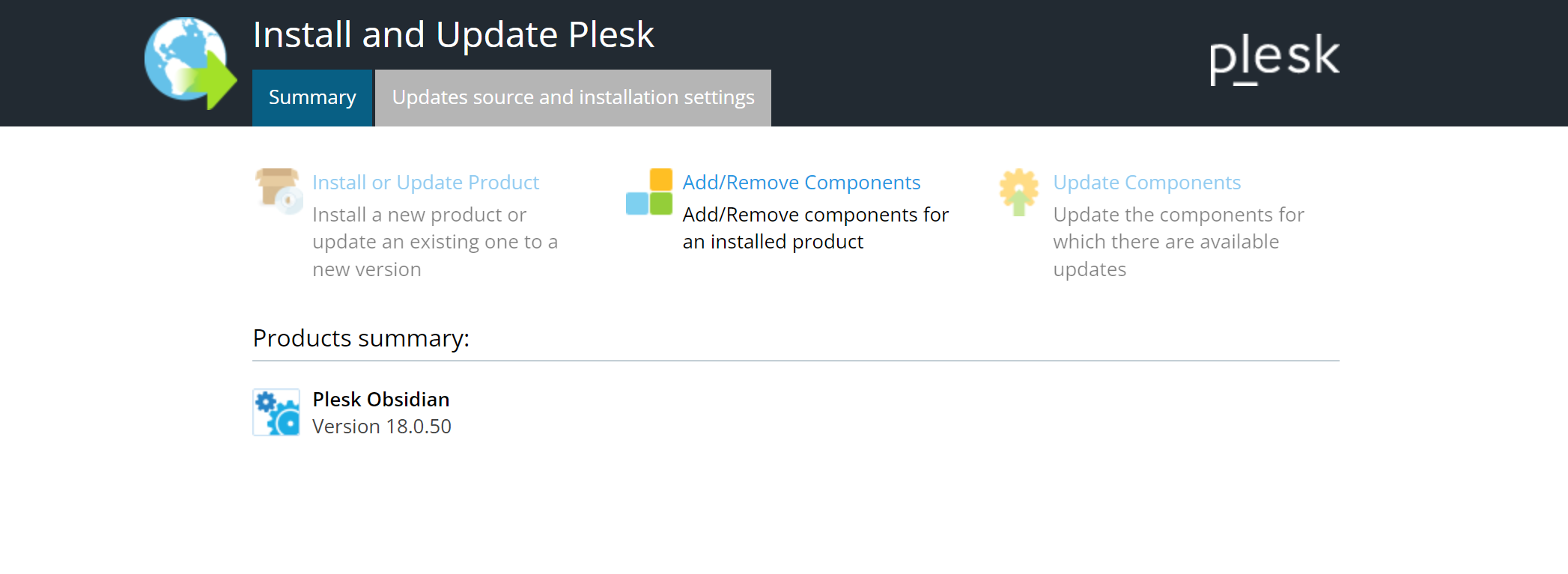
- Have you installed "Webmail services" at all? To check go to "Add or Remove Components" on your admin start page or to "Tools & Settings" > "Plesk" > "Updates". If there are non installed, simply add them using that installer.
- Have you enabled one of the webmail programs on the "Mail Settings" page of your subscription? If not, choose one.
- Does webmail.<domainname>.<tld> resolve to the IP address of your subscription?
 
Hi Peter, thanks for your response. Yes it was, but the issue has been resolved. many thanks!
For those who are having similar issue it is because of DNS misconfiguration. check your DNS settings, ensure that Plesk DNS Settings matches with your domain DNS records.
 
Back
Top