• The new Python extension is now available. It allows customers to deploy and manage WSGI-based Python applications on their websites directly from Plesk.
  • The Plesk Mobile apps for iOS and Android and the Plesk Mobile Center extension have been deprecated, and are no longer available for new installations. In Plesk Obsidian 18.0.84, the Plesk Mobile Center extension will be removed from servers during the upgrade, and the Plesk Mobile apps will lose their server management features.
  • The Social Login extension has been deprecated and will be removed in Plesk Obsidian 18.0.84. After that, it will no longer be possible to log in to Plesk with a Google, Facebook, GitHub account, or with a passkey. Plesk usernames and passwords, as well as logging in with a WebPros Account, are not affected.

Resolved Created mail but can't access it

I accessed from the mail icon next to information icon. In mail settings, only webmail option available was "mail enable webmail" . which i selected. Error was mail address does not exist. page not found. I tried to install roundcube/horde webmail app but could not found. Only app available is squirrelmail. Should I install it?
 
Please check:
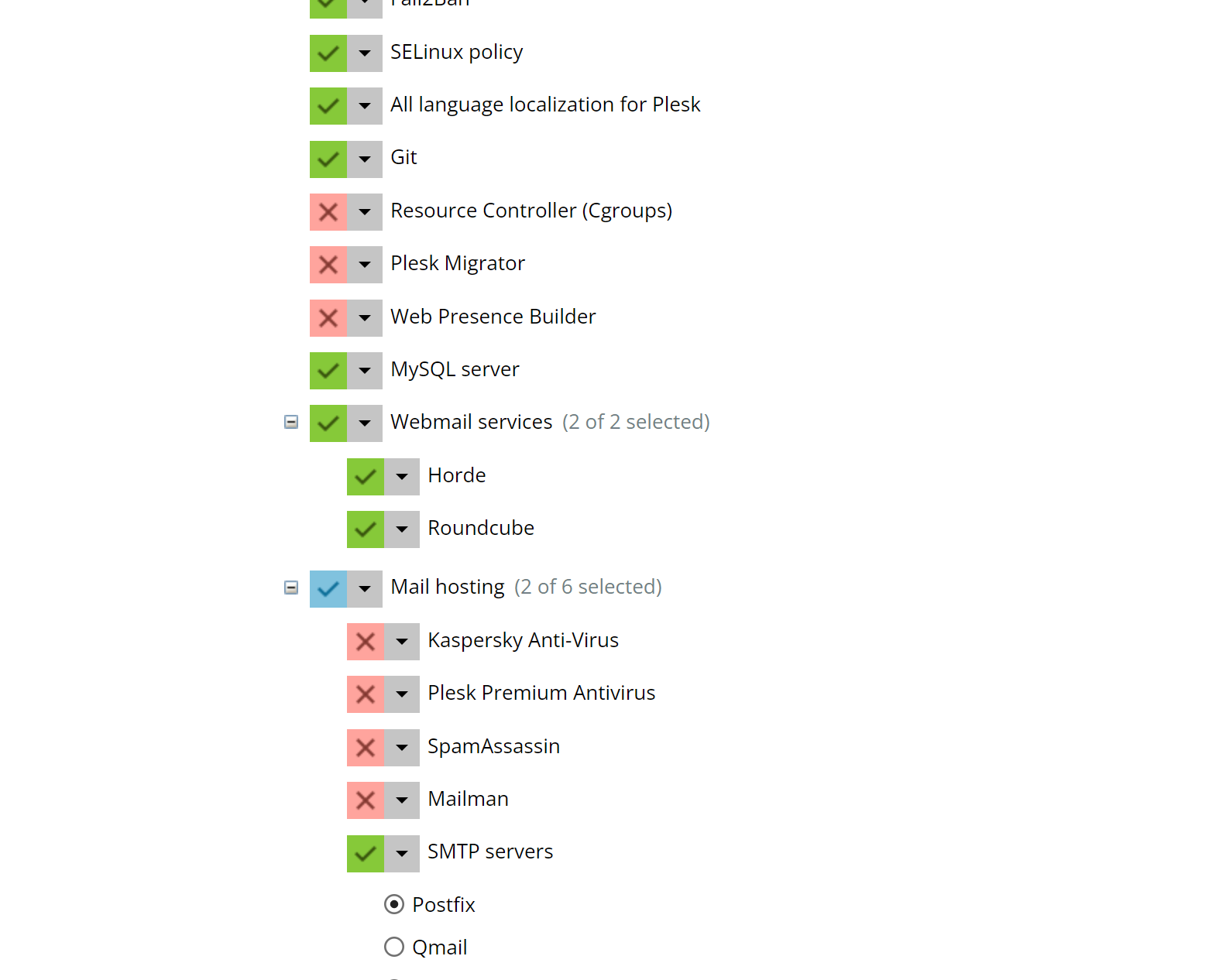
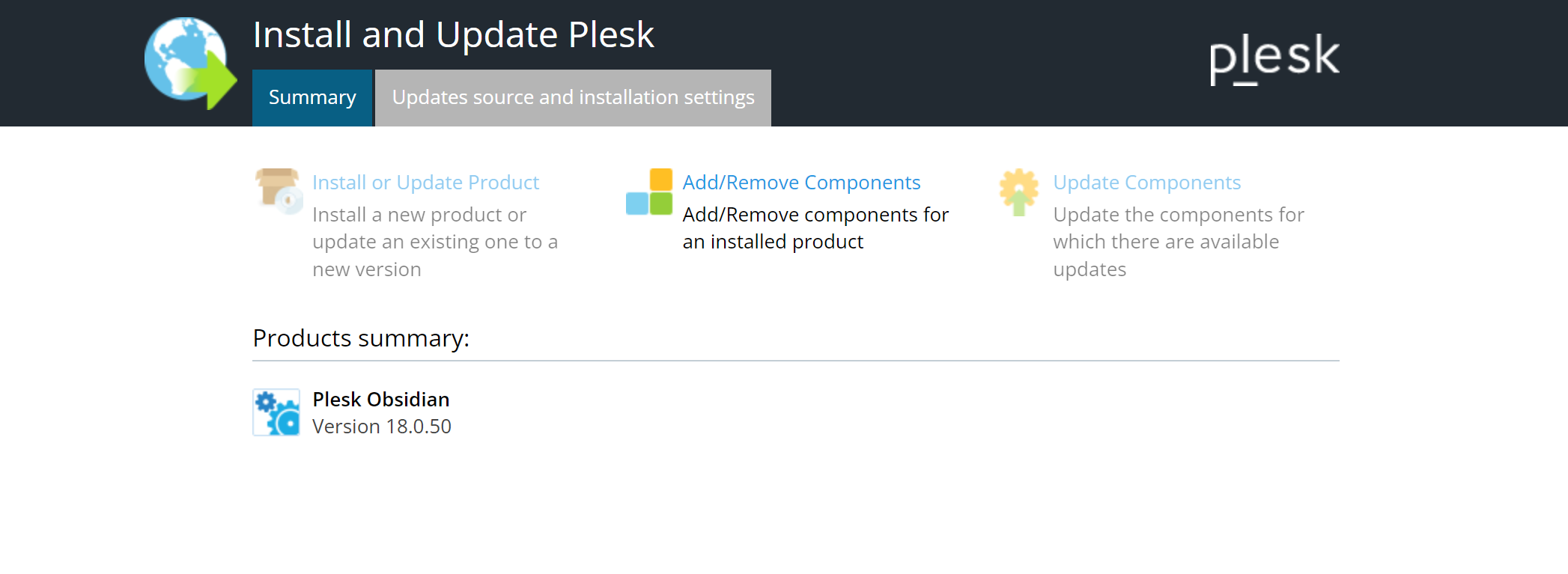
- Have you installed "Webmail services" at all? To check go to "Add or Remove Components" on your admin start page or to "Tools & Settings" > "Plesk" > "Updates". If there are non installed, simply add them using that installer.
- Have you enabled one of the webmail programs on the "Mail Settings" page of your subscription? If not, choose one.
- Does webmail.<domainname>.<tld> resolve to the IP address of your subscription?
 
Hi Peter, thanks for your response. Yes it was, but the issue has been resolved. many thanks!
For those who are having similar issue it is because of DNS misconfiguration. check your DNS settings, ensure that Plesk DNS Settings matches with your domain DNS records.
 
Back
Top