
 Facebook
 Twitter
M
Maku
Guest
I requested my provider to upgrade my server with a new RAM stick (from 1gb to 2gb)
After the upgrade was made I wasn't able to access Plesk Panel anymore.
This is what shows up when I try to access my Plesk Panel Login interface
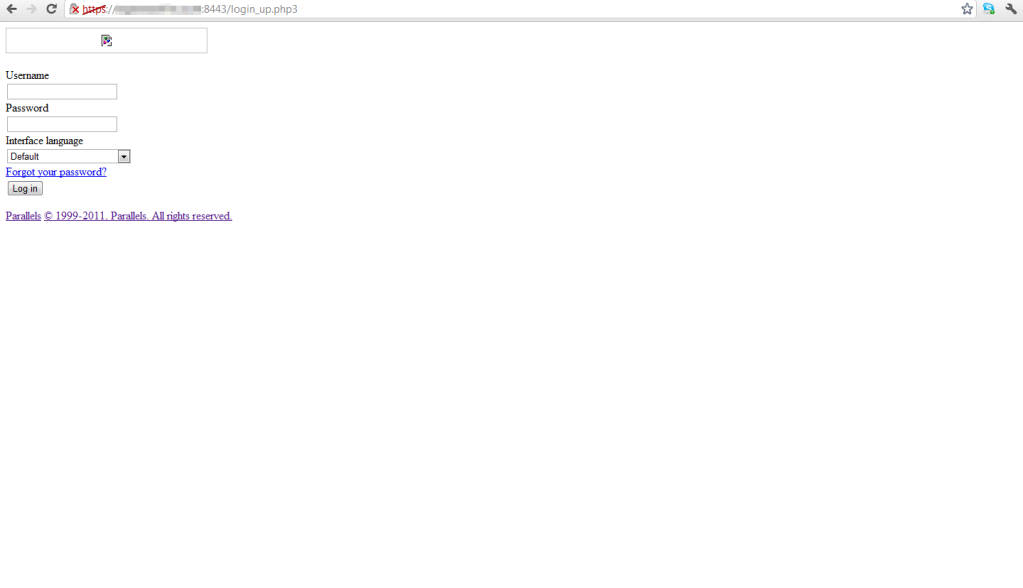
Which kinda looks like a website with the css file missing.
And when I try to login with my usual details it comes to this.
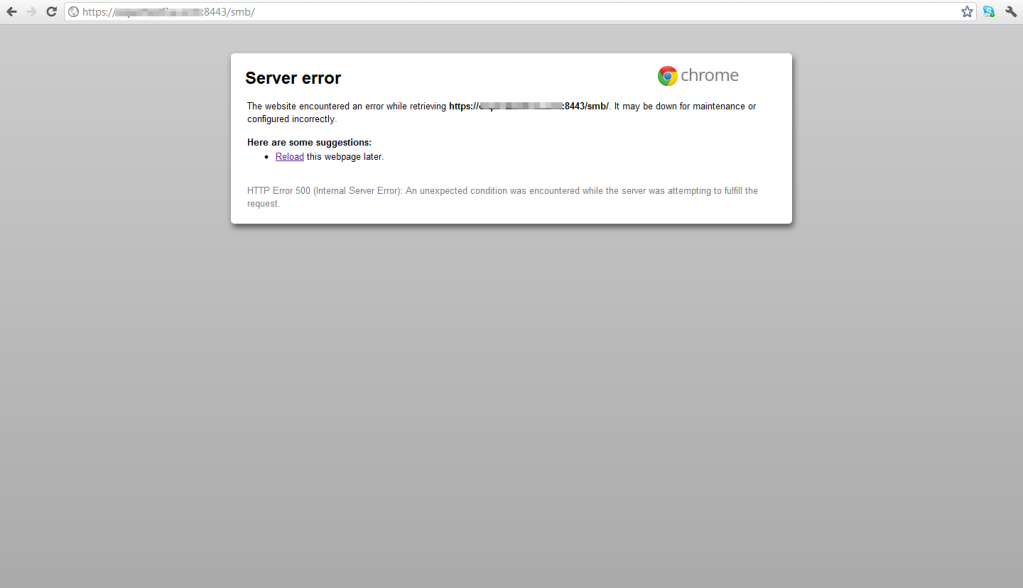
Question is can I re-install Parallels Plesk Panel to fix this? Or is there any other way to fix this without re-installing Plesk?
I am using Paralles Plesk Panel 10.2.0 by the way.
After the upgrade was made I wasn't able to access Plesk Panel anymore.
This is what shows up when I try to access my Plesk Panel Login interface
Which kinda looks like a website with the css file missing.
And when I try to login with my usual details it comes to this.
Question is can I re-install Parallels Plesk Panel to fix this? Or is there any other way to fix this without re-installing Plesk?
I am using Paralles Plesk Panel 10.2.0 by the way.

