Facebook
 Twitter
dagclaessens
New Pleskian
We run a backup of the server every night. The server has multiple databases (250+). All databases are backed up without issues, only 2 of them give this exact error:
Unable to make database dump. Error: Failed to exec mysqldump: Exit code: 5:
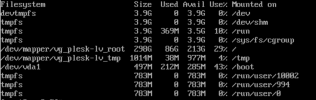
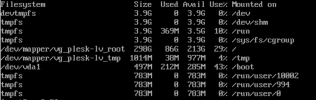
When I search for this error, this mostly occurs when the server does not have enough disk space. I am certain the server has enough disk space. I even increased the disk space (virtual server) to be sure. While these are the 2 biggest databases on the server, they are not really big (1.5 - 2GB).
Can anyone help me with this issue? Thank you in advance!
Unable to make database dump. Error: Failed to exec mysqldump: Exit code: 5:
When I search for this error, this mostly occurs when the server does not have enough disk space. I am certain the server has enough disk space. I even increased the disk space (virtual server) to be sure. While these are the 2 biggest databases on the server, they are not really big (1.5 - 2GB).
Can anyone help me with this issue? Thank you in advance!